A successful sale does not guarantee a successful customer experience. The real test begins when someone opens the package, activates the software, or tries a product for the first time.
Understanding how to build a post purchase educational onboarding hub helps businesses close the gap between buying something and experiencing its value.
Instead of leaving customers to search for instructions, a centralized learning hub provides tutorials, troubleshooting resources, product guidance, and personalized support.
For e-commerce brands, subscription businesses, and digital product companies, this approach can reduce avoidable confusion, strengthen customer confidence, and create opportunities for repeat purchases.
What Is a Post-Purchase Educational Onboarding Hub?
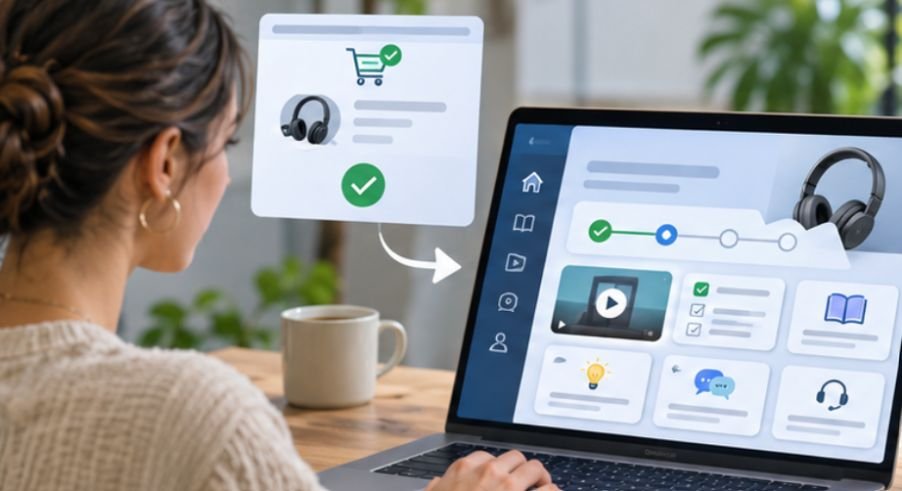
A post-purchase educational onboarding hub is a centralized digital resource that helps customers successfully use a product or service after purchasing it.
Unlike a traditional FAQ page, it organizes information around the customer’s journey, from initial setup to everyday use and advanced features.
A well-designed hub typically includes product instructions, short video demonstrations, troubleshooting guides, customer support options, and educational resources.
For example, a kitchen appliance retailer might offer installation instructions, cleaning demonstrations, beginner recipes, and maintenance advice.
The objective is straightforward: help customers experience meaningful value before frustration or uncertainty damages their confidence.
Why Customer Education Matters After Checkout
Many businesses concentrate their marketing budgets on attracting customers while overlooking what happens after checkout.
However, customers who cannot understand or use their purchases may request refunds, contact support repeatedly, or abandon the product.
For businesses selling branded merchandise, clear packaging and shipping practices also help create a smoother post-purchase experience; explore these practical tips on how to package and ship your merch to understand the fulfillment side of customer satisfaction.
An educational hub addresses these problems by providing useful information when customers need it.
The Connection Between Education and Customer Retention
Effective onboarding establishes realistic expectations and helps buyers achieve early success.
Consider a subscription-based design platform. A customer who creates their first usable graphic shortly after registering has experienced the product’s practical value.
Someone who struggles with basic navigation may never reach that stage.
This illustrates why customer activation matters more than simply counting registrations or purchases.
For businesses selling downloadable resources, online courses, or subscription-based tools, a sustainable pricing strategy also influences customer expectations and long-term value; explore these insights on pricing digital products profitably to understand how pricing decisions fit into the digital product business model.
Why Clear Instructions Make a Difference
The U.S. government’s Digital.gov plain-language guidance recommends using active voice, shorter sections, and accessible language to improve understanding. These principles also apply to customer onboarding.
Instructions such as “Connect your device to Wi-Fi” communicate the next action more clearly than complicated technical explanations.
How to Build a Post Purchase Educational Onboarding Hub Step by Step
Creating an effective onboarding experience requires more than uploading tutorials to a website.
The process begins with understanding customer expectations and organizing education around measurable outcomes.
Step 1: Identify the Customer’s First Meaningful Win
Before creating educational content, determine the action that demonstrates immediate product value.
For a skincare brand, this might involve completing an appropriate first-use routine.
For accounting software, it could mean connecting a bank account and categorizing the first transaction.
Review customer support conversations, product reviews, return reasons, and onboarding feedback to identify common obstacles.
Then select one achievable milestone customers can complete without unnecessary effort.
For many products, the first 72 hours represent a useful initial observation period, although complex products may require longer onboarding.
Step 2: Design a Centralized Learning Experience
Customers should not have to navigate several websites to find basic instructions.
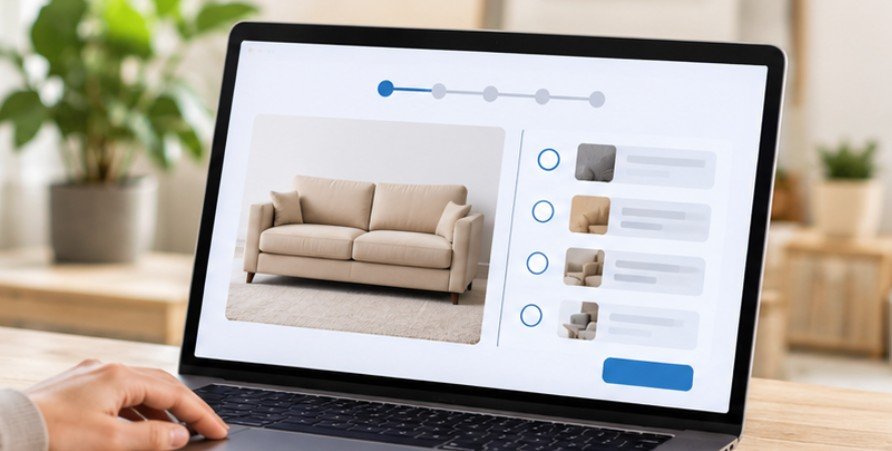
Create a dedicated resource center using your existing website, customer portal, knowledge-base software, or a suitable content management system.
The physical packaging also plays an important role in the initial customer experience, so choosing the right materials and format can help businesses protect products and present them effectively; explore these considerations in this guide to choosing packaging for ecommerce products.
Organize the hub into recognizable sections such as Getting Started, Product Tutorials, Troubleshooting, Advanced Tips, and Contact Support. Place the most important beginner action near the top.
The World Wide Web Consortium’s accessibility guidance recommends concise instructions presented in logical steps, supported by examples or illustrations. Apply these principles to written guides, videos, forms, and navigation.
Step 3: Build Content Around Customer Milestones
An effective educational hub should provide information progressively rather than overwhelming users with every available resource.
Start with a welcoming message explaining what customers can expect.
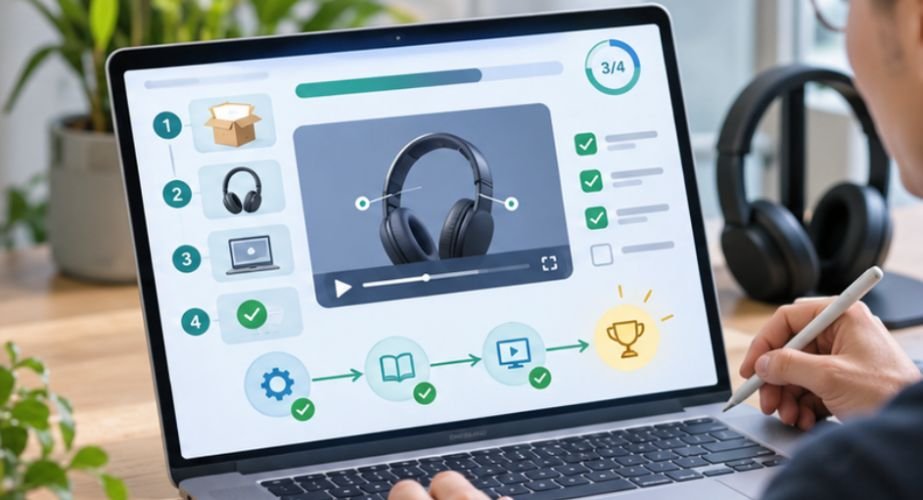
Follow with a short quick-start tutorial demonstrating two or three immediate benefits.
Next, introduce a practical seven-day learning pathway for products that benefit from repeated use.
For instance, a home fitness equipment company could explain assembly on the first day, safe operation on the second, and beginner workout options afterward.
Include searchable troubleshooting articles and realistic customer demonstrations.
Customer success stories can provide reassurance, but testimonials must reflect genuine experiences.
Brands can also extend customer education through authentic creator partnerships, using product demonstrations and real experiences to help buyers understand how products fit into everyday life; explore this micro-influencer seeding strategy for D2C brands for ideas on building these partnerships.
The Federal Trade Commission’s consumer review guidance explains important restrictions involving misleading testimonials and incentivized reviews.
Step 4: Connect Education to Email and SMS Automation

A learning hub becomes more useful when customers receive timely reminders that match their progress.
For physical products, delivery confirmation is often a more meaningful onboarding trigger than the original purchase date.
For digital services, account activation, first login, or completion of a setup task may provide better signals. A practical email sequence might begin with order confirmation and access instructions.
After delivery, send a quick-start guide. Three to five days later, provide troubleshooting advice or examples of useful features. Once customers have had enough time to experience the product, request feedback.
Platforms such as Klaviyo, Kit, and Postscript can support parts of these workflows, depending on integrations and channel requirements.
Businesses must also distinguish transactional messages from promotional campaigns. The FTC’s CAN-SPAM compliance guide explains how message purpose affects commercial email obligations. Obtain appropriate SMS consent and respect customer communication preferences.
Step 5: Make the Experience Personal Without Creating Friction
Different customers need different levels of assistance.
First-time buyers may benefit from detailed instructions, while experienced users might prefer advanced resources.
Segment educational content using purchased products, customer preferences, and completed onboarding actions. Avoid collecting unnecessary personal information.
The National Institute of Standards and Technology’s Privacy Framework provides a structured approach to identifying data-processing activities and managing privacy risks.
Personalization should make education easier, not require customers to surrender excessive information.
How to Measure Whether Your Onboarding Hub Works

Page views and email opens indicate engagement, but they do not demonstrate customer success. A stronger measurement approach connects educational activity to meaningful actions.
Calculate Customer Activation Rate
Use this formula:
Activation Rate = (Customers Completing the First-Value Action ÷ Eligible Customers) × 100
Suppose 500 customers purchase a software subscription and 325 successfully complete the initial setup.
The activation rate is 65%.
This hypothetical example demonstrates how businesses can measure onboarding effectiveness independently of revenue.
Track tutorial completion, time to first value, support requests, product adoption, and repeat purchases alongside activation.
Find Where Customers Lose Momentum
Examine which tutorials customers abandon and which problems generate repeated support requests.
If numerous buyers watch an installation video but fail to complete setup, the instructions may need clearer demonstrations.
Compare results across customer groups and review changes over time.
When possible, test revised content against an existing version rather than assuming higher engagement automatically produces better retention.
Frequently Asked Questions
1. How long does it take to create a customer onboarding hub?
A basic hub can be assembled in several days using existing documentation. More advanced systems involving personalization, integrations, automation, and accessibility testing may require several weeks.
2. What platform is best for a post-purchase learning hub?
The best platform depends on customer needs. Existing website software works for simple resources, while knowledge-base and customer education platforms offer more sophisticated organization and tracking.
3. Should onboarding content be available without logging in?
General tutorials can remain publicly accessible. Account-specific instructions, order details, and sensitive information should use appropriate authentication and access controls.
4. How often should onboarding resources be updated?
Review resources whenever products, features, policies, or customer problems change. Regular quarterly audits can also help identify outdated tutorials and broken links.
The Purchase Is Only the Starting Point
Learning how to build a post purchase educational onboarding hub means recognizing that customer satisfaction develops through experience, not merely through a completed transaction.
The strongest onboarding programs anticipate confusion, deliver relevant instruction, and make help easy to find.
Businesses do not need an expensive platform to begin. A clear welcome page, practical tutorials, thoughtful automation, and measurable activation goals can establish a useful foundation.
Start by identifying one action that makes customers feel successful. Build the first learning experience around that achievement, observe where people struggle, and improve accordingly.
A purchase creates an opportunity. Helping customers succeed gives that opportunity lasting value.